ATMOSFAR Camp Hub Guide: Power, Devices and Packing Up
How the ATMOSFAR Camp Hub works: what it powers, how many devices one battery runs, where to place a field camp and how to pack it up without losing charge.
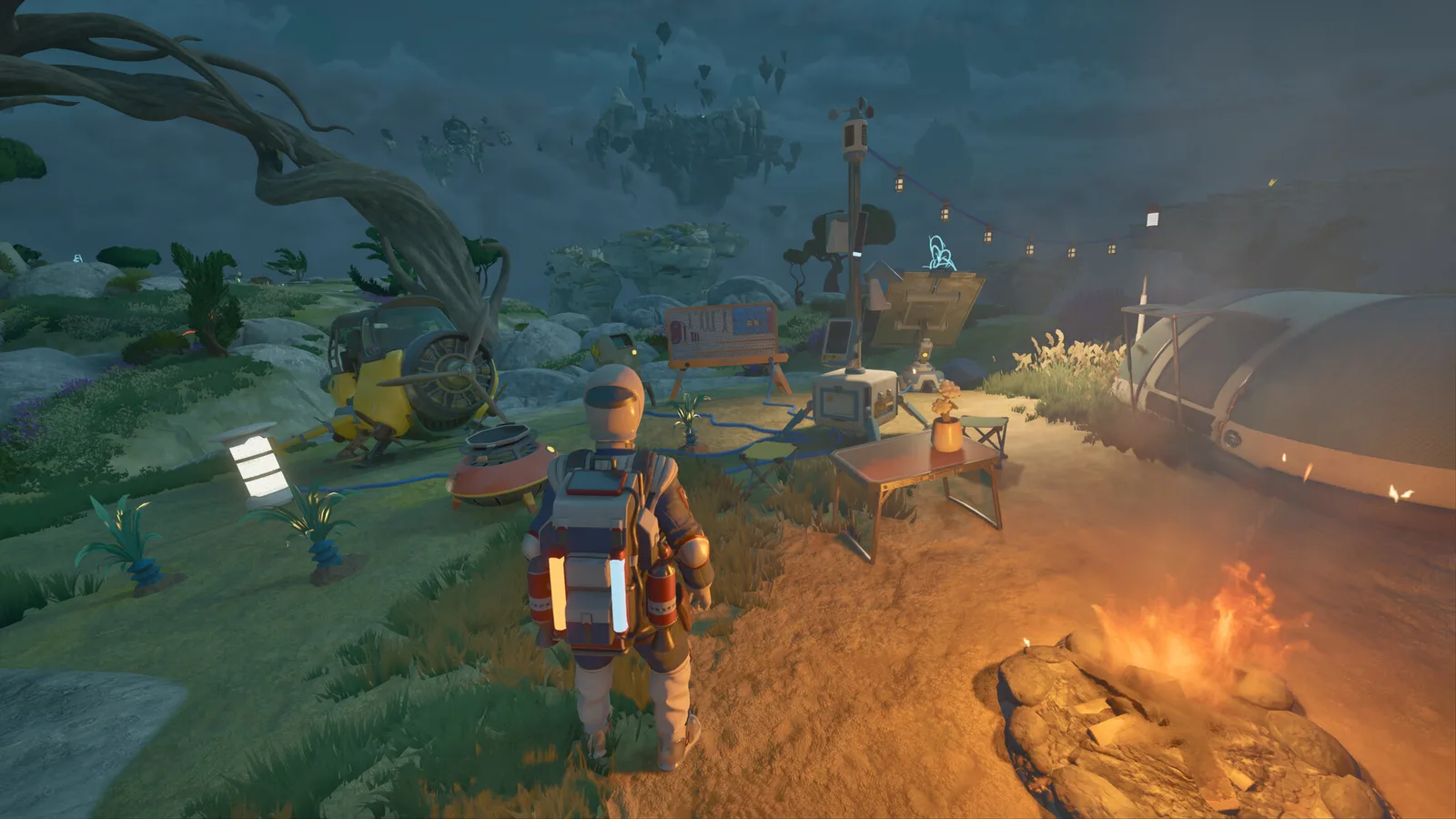
The Camp Hub is the power plant of every field camp. Only the Utility Wasp can carry and power it. Build the hub first, count the draw of every device, and pack the whole camp up when you move islands.
ATMOSFAR's loop runs on camps. You fly to a new island, set down, and need a place to craft, cook, sleep, refine fuel and charge tools. The Camp Hub is what makes that possible. It is a portable power distribution centre, and without one your camp is a collection of dead furniture.
What the Camp Hub actually does
- Distributes power to camp devices through a shared pool.
- Charges tools and backpack batteries.
- Anchors the camp, acting as the point you deploy around.
- Packs up into the Utility Wasp, so the camp can move with you.
It does not generate power on its own. Power comes from the camp's batteries and generators, and the hub allocates it. That distinction is the source of most early camp failures: players build devices, forget the battery, and wonder why nothing runs.
Which Wasp carries it
Only the Utility Wasp can carry the Camp Hub. This is the Utility's defining feature and the reason it is the first Wasp most players should learn.
The Utility is not fast and its tank is small. Treat it as a short-range shuttle between the camp and the current dig site. If the day's work is on the far side of the region, dock the Utility on the Cloud Cruiser and move the whole operation by ship.
The standard camp, in build order
| Order | Device | Why it goes here |
|---|---|---|
| 1 | Camp Hub | Power spine and anchor |
| 2 | Crafting table | Turns scrap into tools and parts |
| 3 | Tent | Sleep, heal, set respawn |
| 4 | Campfire | Cooking and light |
| 5 | Hydrogen refinery | Fuel independence |
| 6 | Research desk | Unlocks new craftables from artifacts |
| 7 | Solar panel | Daytime recharge |
| 8 | Storage trunk | Keeps loot out of your backpack |
| 9 | Stunner turret | Night defence |
| 10 | Tarp and lamp | Comfort and weather cover |
A camp does not need all ten. A one-night stop needs the hub, a tent and a fire. A base you return to for a week needs the refinery, research desk and storage.
Power math that actually helps
Power is measured in units consumed per second. The development example is a small battery holding 100 units and an extractor drawing 1 unit per second: one hundred seconds of extraction, then the battery is empty.
Use the same arithmetic for a camp:
- List every device you leave running (refinery, turrets, lights, charger).
- Add their draw per second.
- Multiply by the number of seconds you will be away.
- Compare with your battery capacity.
If the result is more than half your capacity, turn something off. A refinery that runs all night is usually a refinery that has emptied the battery by morning, leaving the camp defenceless and the tools flat.
Two habits make this easy:
- Charge during the day, work at night. Solar panels refill while you are out; use daylight for extraction and refining, and run only lights and turrets after dark.
- Keep one battery in reserve. A spare charged battery is the difference between packing up and abandoning the camp.
Placement: where a camp should go
- Flat ground with a clear approach. You need to land a Wasp and, later, a Hauler. A slope that looks fine on foot is a bad landing pad.
- Near a PACE site, not on top of it. PACE facilities are the best scrap sources, but guard drones patrol them. Camp a short flight away and approach on foot.
- Shelter from wind. Large islands block weather; exposed ridges do not. A camp that shakes in every storm loses tents and tarps.
- Close to water and vegetation. Water is drinkable, and the lower lush region supplies wood, fruit and berries. A camp near both cuts supply runs.
- Away from the buzzing anomaly. When the sky starts humming, electronics misbehave. Do not park your only camp under it.
Packing up
The camp is designed to move. Packing up returns devices to storage, but charge does not travel for free: batteries keep what they hold, devices stop drawing, and anything left running drains until packed.
A clean pack-up sequence:
- Turn off the refinery and turrets.
- Collect loose items from the trunk and crafting table output.
- Pack devices into the Utility Wasp's storage.
- Take a last look at the battery level; recharge before you leave if you can.
- Mark the site on your map in case you want to return.
Leaving a camp behind is sometimes correct — a forward camp near a rich wreck field is worth maintaining. But an unpowered camp with a dead battery is just litter with a tent on it.
Co-op camps
In a four-player crew, one player should own the camp. Shared camps fail when two people pack different devices or one person drains the battery charging a Wasp.
- Assign a camp keeper per session.
- Give each player a storage trunk or a labelled area.
- Agree on a "camp is closed" signal before anyone logs off.
- Keep the Utility Wasp fuelled; it is the camp's only transport.
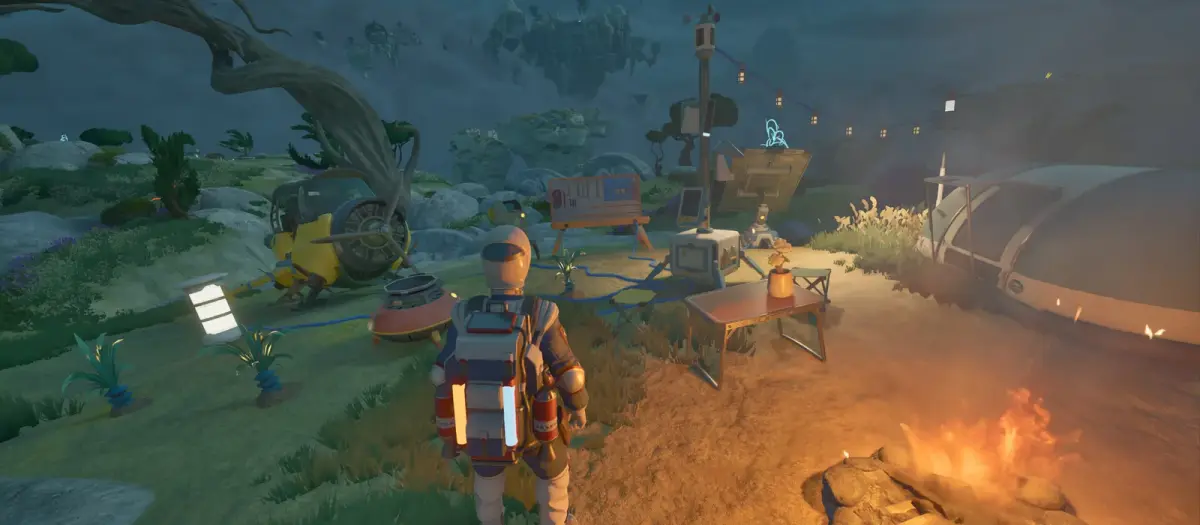
Early Access footage from Tycos. Screenshots: Apog Labs / SHUEISHA GAMES.
FAQ
Can the Cloud Cruiser replace a camp? Mostly, yes. The Cruiser has beds, crafting, refining and plant beds. A field camp is still useful as a forward base near a dig site, and as a respawn point if the ship is far away.
Does the Camp Hub generate power? No. It distributes power from batteries and generators. You need a source.
How many devices can one hub run? It depends on battery capacity and device draw, not a fixed slot count. Do the per-second arithmetic.
Can another Wasp carry the camp? No. The Camp Hub is Utility Wasp cargo.
What happens to the camp if I log off? Devices continue to exist in the world. Whether they keep running depends on power; assume they drain. Pack up or shut down before logging out.
Sources
- ATMOSFAR on Steam — store description, system requirements and Early Access notes.
- ATMOSFAR Steam news hub — patch notes and developer posts.
- ATMOSFAR official site — Apog Labs announcements and media.
Related reading: ATMOSFAR Beginner Guide: Your First Hours on Tycos and ATMOSFAR Cloud Cruiser Guide: Build, Power and Modules.
Source note: mechanics and figures in this guide follow the Early Access build available on 30 October 2026, cross-checked against the ATMOSFAR Steam page and Apog Labs developer posts.
More ATMOSFAR Guides
The animals, plantimals and machines that end ATMOSFAR runs: Screechers, Blisterbacks, Traproots, PACE drones and AA turrets, with counters for each.
The ATMOSFAR Early Access roadmap: Vagabond, Rime, Blue Side and Singularity updates, the Scout Wasp, the third region, 1.0 timing and launch content.
Find ATMOSFAR hydrogen crystals near geysers, harvest them safely, haul them with the Hauler and turn them into liquid hydrogen before your Wasp runs dry.
Run an ATMOSFAR hydrogen refinery without draining your camp: power draw, cold storage at -253°C, field vs ship refining, siphon top-ups and common failures.
How the ATMOSFAR map works: the floating layers of Tycos, where Caligo Cays sits, what Early Access includes and how to navigate without a full map.
ATMOSFAR released on 29 October 2026 in Steam Early Access at $24.99, with a 10% launch discount to $22.49. Platforms, editions and what comes next.
A practical map of ATMOSFAR resources: scrap, circuit boards, hydrogen crystals, wood, food, water, artefacts and cores, with where to look for each.
An honest ATMOSFAR Early Access review: ship-building is excellent, the survival loop is coherent, and the launch build is still rough. Buy or wait?