ATMOSFAR Beginner Guide: Your First Hours on Tycos
A practical ATMOSFAR beginner guide: the first scrap loop, Wasp roles, camp power, liquid hydrogen and what to build before you leave Pearl Island.
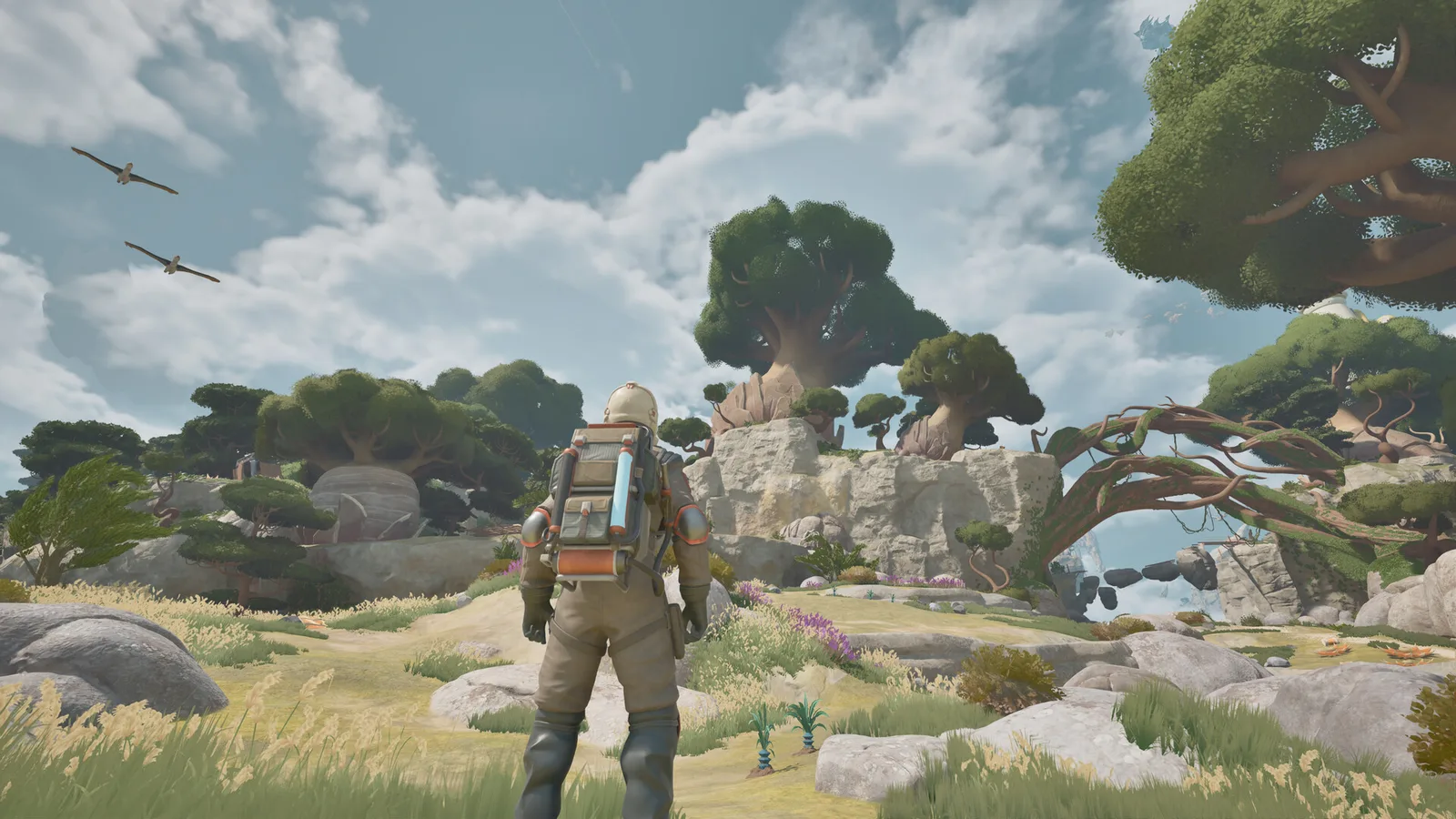
Stay near your mentor on Pearl Island until you have a working Camp Hub, a charged backpack and a full Wasp tank. Then fly low, salvage small wrecks, and bring everything home before the weather turns. Your first goal is not a bigger ship — it is a stable scrap-and-fuel loop.
ATMOSFAR drops you onto the floating islands of Tycos with a suit, a backpack and a lot of things that beep. The game explains the basics through your mentor and the foundry facility on Pearl Island, but it leaves the economy for you to work out. This guide covers the first two or three hours: what to pick up, what to build, and which mistakes cost you a Wasp.
What you actually do in the first hour
- Finish the mentor's tasks on Pearl Island. They teach extraction, crafting, power and flight in the order you need them.
- Learn the extractor. Point it at scrap, hold the tool, and break the wreck into usable material. Large pieces will refuse to break; that is deliberate.
- Build a Camp Hub as soon as the Utility Wasp is available. The hub is the power source for every camp device, and the Utility Wasp is the only class that carries it.
- Charge everything before you leave. Your backpack runs life support and tools; the Wasp runs on liquid hydrogen. Both drain while you are away from base.
- Do one short salvage run, then return. The loop is: fly out, extract, fly back, craft, refuel. Repeat with a slightly longer radius each time.
If you skip the return trip and keep exploring, you will run out of backpack power somewhere over open sky with no camp to recharge at. That is the most common first-session death.
The three vehicles, and what each one is for
ATMOSFAR's small craft are called Wasps. The Early Access build has three classes, and each one changes how you play rather than just how fast you travel.
| Class | Role | What it is good at | What it is bad at |
|---|---|---|---|
| Utility Wasp | Mobile camp | Carries the Camp Hub, outputs power, charges gear | Small fuel tank, thirsty, slow |
| Hauler Wasp | Heavy lift | Magnetic crane, multiple cargo slots, moves large scrap and vehicles | Slow, heavy fuel use |
| Striker Wasp | Combat | Fastest acceleration in the game, turret with multiple projectile types | Not a cargo ship; still fragile if you fly into AA fire |
The Scout Wasp — the fast, fragile recon craft with resource and danger scanning — is not in the launch build. Apog Labs lists it for the Rime update. Until then, your eyes and the spotting scope do the scouting.
Read the full breakdown in the ATMOSFAR Wasp guide.
Power is the resource the tutorial does not stress enough
Every camp device draws power units per second. The Camp Hub distributes that power; the Utility Wasp generates it. A small battery holds 100 units, and an extractor that draws 1 unit per second will empty it in 100 seconds. That math is the whole early game.
- If a device will not turn on, check the hub's remaining charge before you check the device.
- Solar panels refill during the day, but they do not replace a charged battery for a night run.
- Your backpack has its own battery. Sunlight and bioluminescent plants can top it up, but the reliable fix is returning to camp.
- The jetpack draws from the same suit system. Short hops are fine; using it as a main engine is not.
The Camp Hub guide has the device list and a power-budget method you can copy.
Fuel: hydrogen crystals are the beginning of the chain
Wasps burn liquid hydrogen. You do not mine liquid hydrogen directly. You find hydrogen crystals, usually around hydrogen geysers, then feed them into a hydrogen refinery to produce fuel. The Cloud Cruiser can carry its own refinery and fuel tanks; a camp can run a smaller field refinery.
The practical rule for a new player: never fly out with less than half a tank, and always know where the nearest refinery is. Fuel is heavy, cold and inconvenient, which is exactly why the game makes you plan routes.
See where to find hydrogen crystals and how the refinery chain works.
Scrap: pick up everything, but process it in the right place
Scrap comes from PACE facilities, abandoned camps and floating debris fields. Your handheld extractor can break down small and medium pieces. Anything above that size needs the Cloud Cruiser's material processor, which is a buildable module with an outside access point — the intended flow is haul the wreck over with a Hauler and drop it at the processor.
Early on, ignore the giant hull sections. Mark them, come back with a Hauler, and process them later. The small stuff gives you the materials for the first round of crafting without the risk.
The scrap guide covers the full loop, including how blueprints and historical remains show up in large wrecks.
What to build first
Prioritise in this order:
- Camp Hub — without it, nothing else in camp runs.
- Crafting table — turns raw material into tools and parts.
- Tent — sleeping restores health, and health is hard to recover in the field.
- Hydrogen refinery — closes the fuel loop so you stop depending on the starting supply.
- Research desk — artifacts unlock new craftables; build it once you have something to research.
- Stunner turret — a cheap way to keep animals off your camp at night.
Do not rush the Cloud Cruiser expansion. A small, powered, fuelled ship that flies is worth more than a half-built hull with no reactor core.
The five beginner mistakes that actually hurt
- Flying during the buzzing sun. When the sky hums and electronics start failing, land. Instruments and ship systems misbehave, and animals hide. It is not a flying weather.
- Landing on a slope with damaged hovers. Bad landings damage the hull and raise fuel consumption. Repair with the welder before the next trip.
- Carrying scrap you cannot process. It weighs you down and buys nothing. Drop it and mark the spot.
- Building rooms before building lift. Every hull part adds weight. More weight needs more lift, and lift needs power. Expand the reactor and balloon capacity first.
- Ignoring the AA turrets around PACE sites. They have effectively unlimited ammunition and can knock a Utility or Scout-class craft out of the sky in one good burst. Approach on foot or from below.
When should you move from camp to Cloud Cruiser?
Treat the Cloud Cruiser as a mobile workshop, not a second camp. Move in when you have:
- a reactor core and enough fuel to keep the tanks cold,
- at least one Wasp pad so your craft travels with you,
- a material processor for large scrap,
- and a reason to be somewhere else — a new region, a big wreck field, or a story location.
Until then, a camp on a safe island is cheaper and easier to defend.
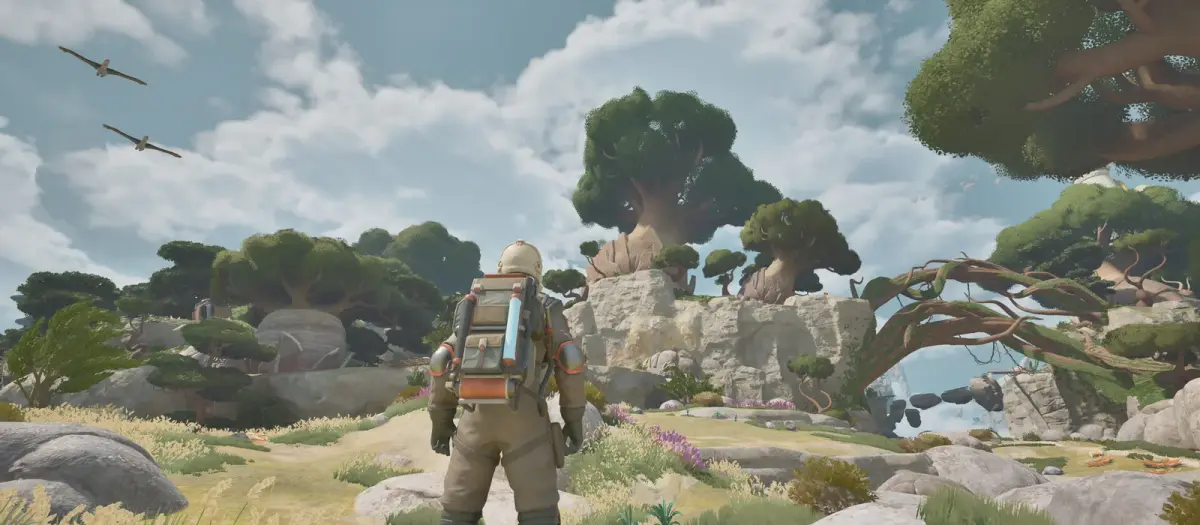
Early Access footage from Tycos. Screenshots: Apog Labs / SHUEISHA GAMES.
FAQ
How long is the tutorial? The mentor's introductory tasks on Pearl Island take roughly the first hour if you explore, less if you beeline the objectives.
Can I play ATMOSFAR solo? Yes. The full game is playable solo; co-op is optional. Solo players still meet NPC Vagabonds and dialogue.
Do I lose my ship if it is destroyed? The Early Access build treats vessels as repairable property rather than disposable lives, but a crash can strand you far from base. Carry fuel and repair materials.
What should I research first? Anything that improves power generation, fuel handling or hull repair. Cosmetic and furniture research can wait until your loop is stable.
Is there a full map? Not at the start. You fill in map data by scavenging and using navigation tools. The map and regions guide explains the layers.
Sources
- ATMOSFAR on Steam — store description, system requirements and Early Access notes.
- ATMOSFAR Steam news hub — patch notes and developer posts.
- ATMOSFAR official site — Apog Labs announcements and media.
Related reading: ATMOSFAR Tips and Tricks: 15 Things Worth Knowing and ATMOSFAR Cloud Cruiser Guide: Build, Power and Modules.
Source note: mechanics and figures in this guide follow the Early Access build available on 30 October 2026, cross-checked against the ATMOSFAR Steam page and Apog Labs developer posts.
More ATMOSFAR Guides
A practical map of ATMOSFAR resources: scrap, circuit boards, hydrogen crystals, wood, food, water, artefacts and cores, with where to look for each.
Where ATMOSFAR scrap comes from, how extractor and material processor differ, which wrecks need a Hauler, and how to salvage PACE sites safely.
ATMOSFAR's three Wasp classes explained: what the Utility, Hauler and Striker do, how to upgrade engines, hovers and hulls, and how to keep them flying.
Build a flyable ATMOSFAR airship: how hulls, hydrogen balloons, lift, thrust and power interact, plus three starter layouts that stay under the weight limit.
Is ATMOSFAR coming to PS5 or Xbox? The current console status, why Early Access is PC-only, what a port needs and where official news appears.
The ATMOSFAR Early Access roadmap: Vagabond, Rime, Blue Side and Singularity updates, the Scout Wasp, the third region, 1.0 timing and launch content.
Find ATMOSFAR hydrogen crystals near geysers, harvest them safely, haul them with the Hauler and turn them into liquid hydrogen before your Wasp runs dry.
How the ATMOSFAR map works: the floating layers of Tycos, where Caligo Cays sits, what Early Access includes and how to navigate without a full map.