ATMOSFAR Crafting Guide: Tables, Research and Recipes
How crafting works in ATMOSFAR: crafting table, research desk unlocks, blueprint sources, material processing and the order to build tools and ship parts.
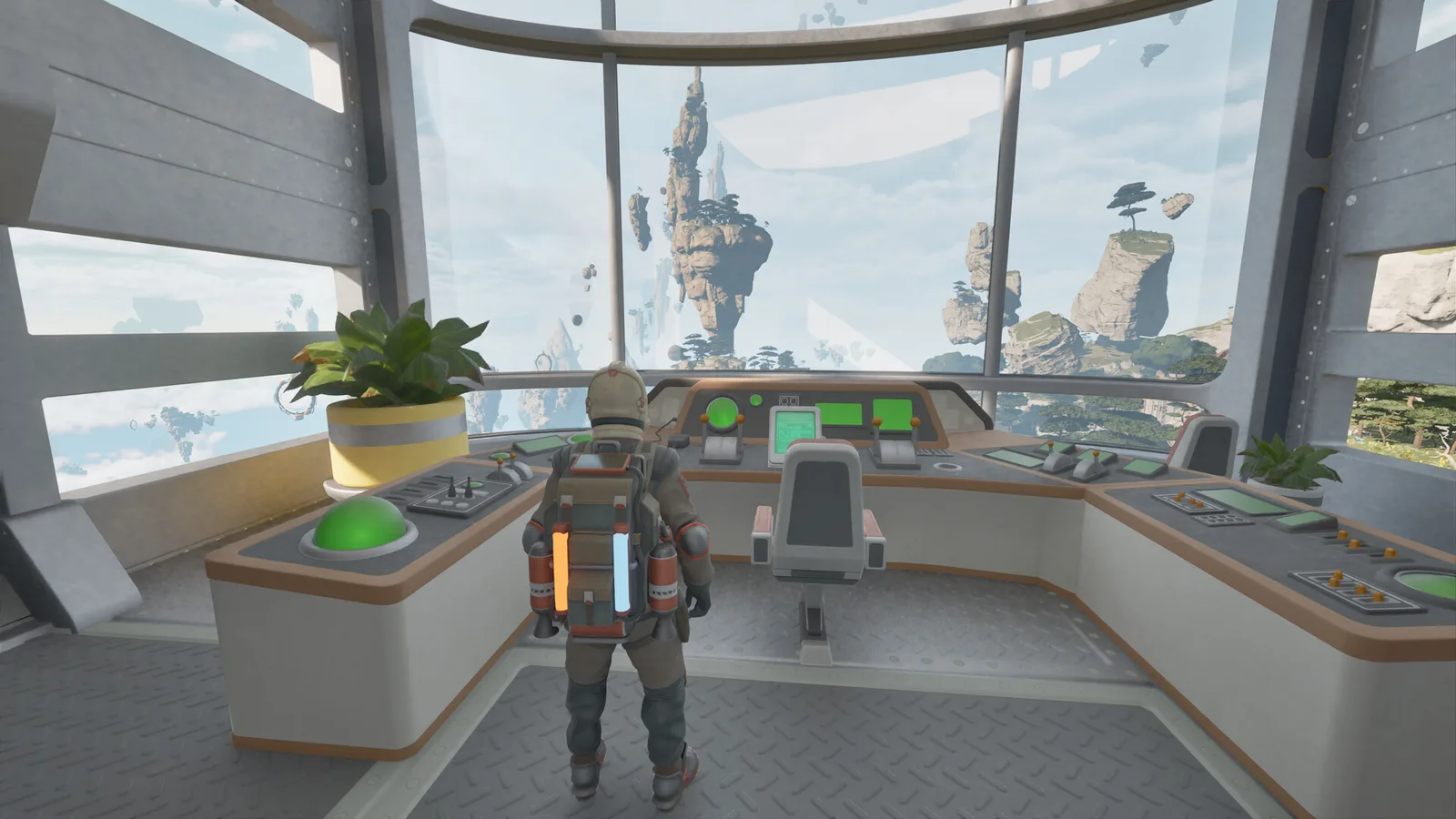
There are two gates in ATMOSFAR crafting: the crafting table turns materials into objects, and the research desk turns artefacts into knowledge. You cannot craft what you have not researched, and you cannot research without exploring.
Crafting in ATMOSFAR is not a single menu. It is a chain that runs from a wreck on an island to a module on your ship, and each link has its own station and its own input.
The two stations
Crafting table
The crafting table is the basic production station. It is a camp device and can also be built on the Cloud Cruiser. It converts raw and processed materials into:
- hand tools and upgrades,
- camp furniture and structures,
- ship parts and modules,
- consumables such as food and repair material.
If a recipe is not on the table, it is either not researched or requires a station you have not built.
Research desk
The research desk consumes artefacts and produces knowledge: new craftables, upgrades and story information. It is the progression gate. A player with a full scrap hold and no artefacts will plateau quickly.
Research is also how the game paces its tech tree. You do not unlock the reactor, the material processor or advanced hull parts by collecting enough metal; you unlock them by finding the right artefacts and researching them.
Where recipes come from
- Starting knowledge: basic tools, camp pieces and the first Wasp parts.
- Research desk: most mid-game craftables, unlocked with artefacts.
- Blueprints: found inside large scrap processed by the material processor.
- Story sites: PACE facilities contain drives and records that advance both knowledge and narrative.
The launch patch notes mention a bug where research drives could be lost. If you find one, put it in ship storage before you do anything risky.
The production chain
| Stage | Station | Input | Output |
|---|---|---|---|
| 1 | Extractor (handheld) | Loose scrap, crystals | Carryable chunks |
| 2 | Material processor | Large scrap | Processed materials, blueprints, clues |
| 3 | Refinery | Hydrogen crystals | Liquid hydrogen |
| 4 | Crafting table | Processed materials | Tools, parts, modules |
| 5 | Research desk | Artefacts | Unlocks |
| 6 | Build mode | Parts + materials | Hull, camp, ship |
Skipping a stage is the usual reason a project stalls. You cannot build a reactor without a core, cannot get a core without exploration, and cannot survive the exploration without a working Wasp.
What to craft first
A practical early order:
- Crafting table — without it, nothing else.
- Tent and campfire — survival and cooking.
- Hydrogen refinery and tank — fuel independence.
- Welder upgrade — repairs keep Wasps flying.
- Extractor upgrade — faster salvage.
- Research desk — start converting artefacts into unlocks.
- Material processor — the gate to large scrap.
- Wasp hovers or engine — quality of life and range.
- Ship lift and reactor — the gate to everything bigger.
This order assumes solo play. In co-op, one player can rush the research desk while another builds the industrial spine, which roughly halves the early-game time.
Materials: what each family is for
- Structural materials — hulls, frames, camp structures. The bulk of your scrap.
- Electronics — circuit boards, sensors, control units. The bottleneck for ship modules and research equipment.
- Hydrogen — fuel, not construction. Keep the chains separate in your head.
- Organics — food, cloth, filters, plant beds.
- Artefacts — research only; do not sell or discard them.
The resources guide covers where each comes from.
Crafting on the ship vs at camp
The Cloud Cruiser can host a crafting table and a research desk, and it moves with you. That makes it the natural production centre once you have the ship.
Field camps are for:
- forward refining,
- emergency repairs,
- a place to sleep and cook,
- and staging before a big salvage run.
A common mistake is building a fully equipped camp and then never returning to it. If you are not going to spend three sessions in the area, build light.
Blueprints and the material processor
Large scrap is not just metal. When you feed a big piece into the material processor, the output can include blueprints, clues and historical remains.
- Blueprints unlock specific craftables without the usual research path.
- Clues and remains advance the story and sometimes point to new sites.
- Processed materials are the ordinary output that keeps construction moving.
This is why a Hauler is a progression vehicle, not just a cargo vehicle. It is the only practical way to get large pieces to the processor.
Common crafting mistakes
| Mistake | Result | Fix |
|---|---|---|
| Building a large hull before power | Ship cannot lift or browns out | Reactor and balloons first |
| Hoarding raw scrap | No space, no materials | Process early |
| Ignoring artefacts | Tech tree stalls | Research desk + exploration |
| Crafting every upgrade | Material starvation | Build to the current bottleneck |
| One camp for everything | Long flights, dead batteries | Mobile camp + ship production |
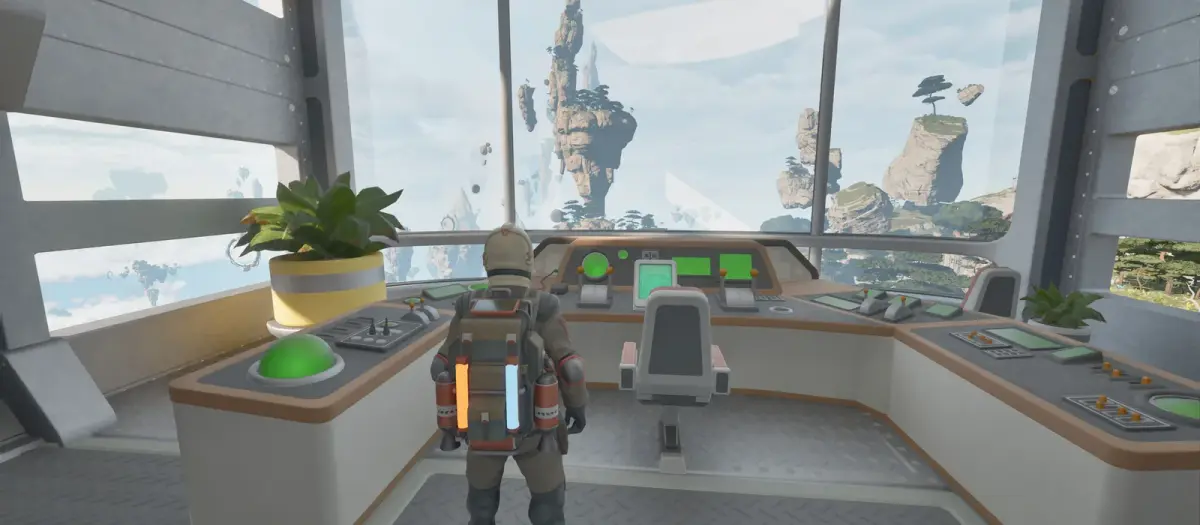
Early Access footage from Tycos. Screenshots: Apog Labs / SHUEISHA GAMES.
FAQ
Is there a full recipe list? The game does not publish one, and the Early Access build is still changing. Recipes are discovered through the crafting table and research desk.
Can I craft without a table? Basic items may be available through the starting kit, but the table is the main production station.
Do blueprints replace research? They are an alternative unlock path for specific items, not a replacement for the research desk.
Can I move a crafting table? Yes. Camp devices can be packed up; ship modules can be moved or demolished in build mode.
What should I research first? Whatever removes your current bottleneck: refinery and storage for fuel, processor for salvage, lift and reactor for ship capacity.
Sources
- ATMOSFAR on Steam — store description, system requirements and Early Access notes.
- ATMOSFAR Steam news hub — patch notes and developer posts.
- ATMOSFAR official site — Apog Labs announcements and media.
Related reading: ATMOSFAR Resources Guide: Every Material and Source and ATMOSFAR Scrap Guide: Wrecks, Debris Fields and Salvage.
Source note: mechanics and figures in this guide follow the Early Access build available on 30 October 2026, cross-checked against the ATMOSFAR Steam page and Apog Labs developer posts.
More ATMOSFAR Guides
The animals, plantimals and machines that end ATMOSFAR runs: Screechers, Blisterbacks, Traproots, PACE drones and AA turrets, with counters for each.
The ATMOSFAR Early Access roadmap: Vagabond, Rime, Blue Side and Singularity updates, the Scout Wasp, the third region, 1.0 timing and launch content.
Find ATMOSFAR hydrogen crystals near geysers, harvest them safely, haul them with the Hauler and turn them into liquid hydrogen before your Wasp runs dry.
Run an ATMOSFAR hydrogen refinery without draining your camp: power draw, cold storage at -253°C, field vs ship refining, siphon top-ups and common failures.
How the ATMOSFAR map works: the floating layers of Tycos, where Caligo Cays sits, what Early Access includes and how to navigate without a full map.
ATMOSFAR released on 29 October 2026 in Steam Early Access at $24.99, with a 10% launch discount to $22.49. Platforms, editions and what comes next.
A practical map of ATMOSFAR resources: scrap, circuit boards, hydrogen crystals, wood, food, water, artefacts and cores, with where to look for each.
An honest ATMOSFAR Early Access review: ship-building is excellent, the survival loop is coherent, and the launch build is still rough. Buy or wait?