
ATMOSFAR Fort Hannigan: Access Card and Striker Wasp
How to clear ATMOSFAR Fort Hannigan: find the access card, collect the fuses, restore hangar power and claim the Striker Wasp without hitting the known bugs.
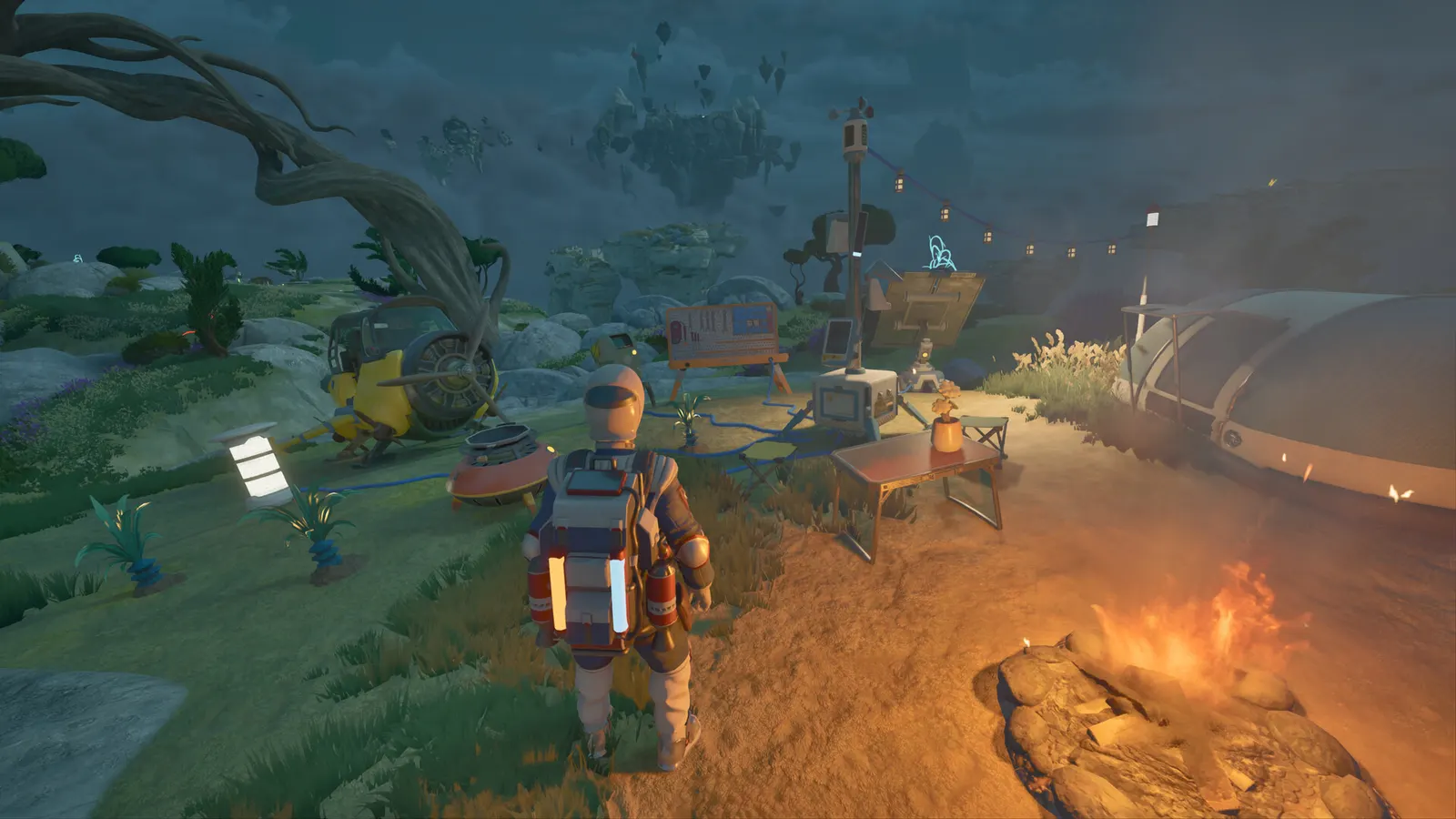
Fort Hannigan is the military base on the same island as the largest settlement. The objective "Find the Striker Wasp" is inside the base, behind a powered hangar door. You need the access card, the fuses for the base power, and a route from a nearby power pole to the M6 hangar. Once the hangar is powered, the Striker is inside. Patch 1.0-6 fixed a hangar door and fuse issue, 1.0-7 repaired old-save progression resets, and 1.0-8 fixed Quinn's dialogue after you obtain the craft.
Fort Hannigan is one of the first places where ATMOSFAR stops being a pure gathering game and asks you to solve a small industrial puzzle. The base is dark, the objectives stack, and the game does not always make it obvious which door the current task refers to. This guide separates the intended route from the known bugs.
Where Fort Hannigan is
Fort Hannigan sits on the island that also holds the largest settlement. A developer reply cited by the community wiki confirms the split: the Striker is in the military base, while the weather data is in the largest settlement on the same island. They are different destinations, and players who go to the settlement first often assume the base objective is bugged.
The island is part of the starting region's progression, not a late-game zone. If you have been following the main objective chain, Fort Hannigan appears before you need to cross into the middle layer of Tycos. The ATMOSFAR map and regions guide places it relative to Caligo Cays and Pearl Island.
If your log says "Find the Striker Wasp", you are going to the military base. If it says to recover weather data, you are going to the settlement. Do not search the settlement for the Striker hangar.
Before you go
Bring:
- A full set of tools, including the handheld extractor and any cutting tool you have unlocked.
- Light. The base interiors are dark, and the fuse rooms are easy to miss without a lamp.
- Inventory space. The route produces scrap, and the Striker itself takes a hangar slot, not a backpack slot.
- A repaired Wasp or a reliable ground route. The base is reachable on foot, but the return trip is faster if you have air transport.
- Patience for the door logic. The power chain is the part that stalls most players.
You do not need a special key for the front gate. The access card is an interior key, not a zone unlock.
Step 1: Find the access card
The access card is inside Fort Hannigan, in the room beside the four-fuse panel. Community reports agree on this location, and the player who asked in the Steam discussion confirmed finding it there. It is not on the entrance desk and it is not dropped by the first guard.
Search the rooms around the fuse panel before you start pulling fuses. The card is small, and the interaction prompt only appears when you are close.
If the card is not there, check whether you have already picked it up. The objective log does not always update immediately, and an inventory check is faster than a second sweep.
Step 2: Collect the fuses
The base power needs four fuses, but one is already inserted when you arrive. That leaves three loose fuses to find. Community reports place them in:
- the power building's storage room;
- the storage room near the restricted turret-disable room;
- a third location along the base's interior route, usually in a side room rather than the main hall.
The exact third spot varies between reports, which is a sign that the route is not perfectly signposted rather than that the fuses are random. Sweep every side room and check the objective count after each pickup.
Insert the fuses at the panel. The panel state is the check: if it still shows a missing slot, you have not found them all.
Step 3: Restore power to the M6 hangar
The hangar does not draw power from the base's main circuit. You need to route power from a nearby pole through extension nodes to the M6 hangar. Community reports describe this as a short chain rather than a base-wide grid repair.
What to do:
- Find the pole outside the hangar.
- Connect the extension nodes in sequence toward the hangar.
- Check the hangar door panel. It should show power.
- If the door still does not open, check the fuse panel again before assuming a bug.
This is the step where patch history matters. 1.0-6 lists a Fort Hannigan Striker hangar door and fuse issue (VENU-13528). 1.0-7 addresses inconsistent large hangar doors. If you are on an older build, update before you spend another hour on the door.
Step 4: Claim the Striker
With the hangar powered, the door opens and the Striker is inside. Approach it and use the claim interaction. The Striker is a Wasp variant, not a separate vehicle class, so it uses the same summon and fuel systems as your other Wasps.
The ATMOSFAR Wasp guide covers the role differences and how to keep the craft fuelled. If this is your first additional Wasp, read that before you fly it into a storm.
After claiming the Striker, Quinn's dialogue should play. Patch 1.0-8 fixed an issue where that dialogue ended too early. If the conversation cuts off on an older build, update and interact with Quinn again.
Known bugs and what fixes them
| Symptom | Likely cause | Fix |
|---|---|---|
| Hangar door will not open with power | 1.0-6 hangar door/fuse issue | Update to 1.0-6 or later |
| Large hangar doors open inconsistently | Door state bug | Update to 1.0-7 or later |
| Objective resets on an old save | Old-save progression/frequency reset | Update to 1.0-7, reload the save |
| Quinn dialogue ends early after claiming | Dialogue trigger | Update to 1.0-8 |
| Fuse count stuck at three | One fuse not inserted, or a missed side room | Recheck the panel and side rooms |
The ATMOSFAR patch notes guide has the full build summary.
Videos show players clipping a Wasp through the hangar door. It works, but it can leave the objective in a state the game does not expect. Power the hangar properly first; the intended route is shorter than the workaround.
What you get
The Striker is a combat-oriented Wasp variant. The hangar also contains salvage and base loot, so empty your inventory before the run. The base's storage rooms are worth a second pass after the power is on, because some containers are only reachable once the doors are powered.
Do not expect the Striker to replace your starting Wasp for hauling. It is a different tool, and the fuel bill scales with the craft. The ATMOSFAR airship building guide covers the wider fleet plan.
FAQ
Where is the Fort Hannigan access card? In the room beside the four-fuse panel inside the base. Community reports agree on this location; it is not at the entrance.
How many fuses do you need at Fort Hannigan? Four in total, but one is already inserted. You need to find three loose fuses in the base's storage and side rooms.
Why will the Fort Hannigan hangar door not open? The usual cause is the power chain, not the card. Route power from the nearby pole through the extension nodes to the M6 hangar. If the door still fails, update the game: 1.0-6 and 1.0-7 fix known door and fuse issues.
Where is the Striker Wasp? Inside the powered M6 hangar at Fort Hannigan. The military base and the largest settlement are different locations on the same island.
Is the Striker a separate vehicle? No. It is a Wasp variant and uses the same summon, fuel and storage systems.
Official source: ATMOSFAR on Steam Official source: ATMOSFAR Steam news and patch notes Official source: ATMOSFAR official site Community source: ATMOSFAR Steam discussions
More ATMOSFAR Guides
How ATMOSFAR multiplayer works: four-player online co-op, crew roles, sharing the Cloud Cruiser, keeping camp running and mistakes that sink runs.
Is ATMOSFAR coming to PS5 or Xbox? The current console status, why Early Access is PC-only, what a port needs and where official news appears.
How cooking and food fit into ATMOSFAR's survival loop: where organic ingredients come from, how to stock a camp, and what is confirmed.
How crafting works in ATMOSFAR: crafting table, research desk unlocks, blueprint sources, material processing and the order to build tools and ship parts.
The animals, plantimals and machines that end ATMOSFAR runs: Screechers, Blisterbacks, Traproots, PACE drones and AA turrets, with counters for each.
ATMOSFAR has no crossplay in 2026: it is a PC-only Steam release. What that means for four-player co-op, consoles and a future crossplay patch.
The Atmosfar demo was delisted months before launch. What it covered, why it is gone, and a walkthrough of the same opening beats in the Early Access build.
The ATMOSFAR Early Access roadmap: Vagabond, Rime, Blue Side and Singularity updates, the Scout Wasp, the third region and the 20 November dev blog.