
ATMOSFAR Experimental Branch: How to Opt In (1.0-10)
ATMOSFAR's experimental Steam branch explained: how to opt in, the save-file warning, what the 1.0-10 preview changes, and when to switch back to stable.
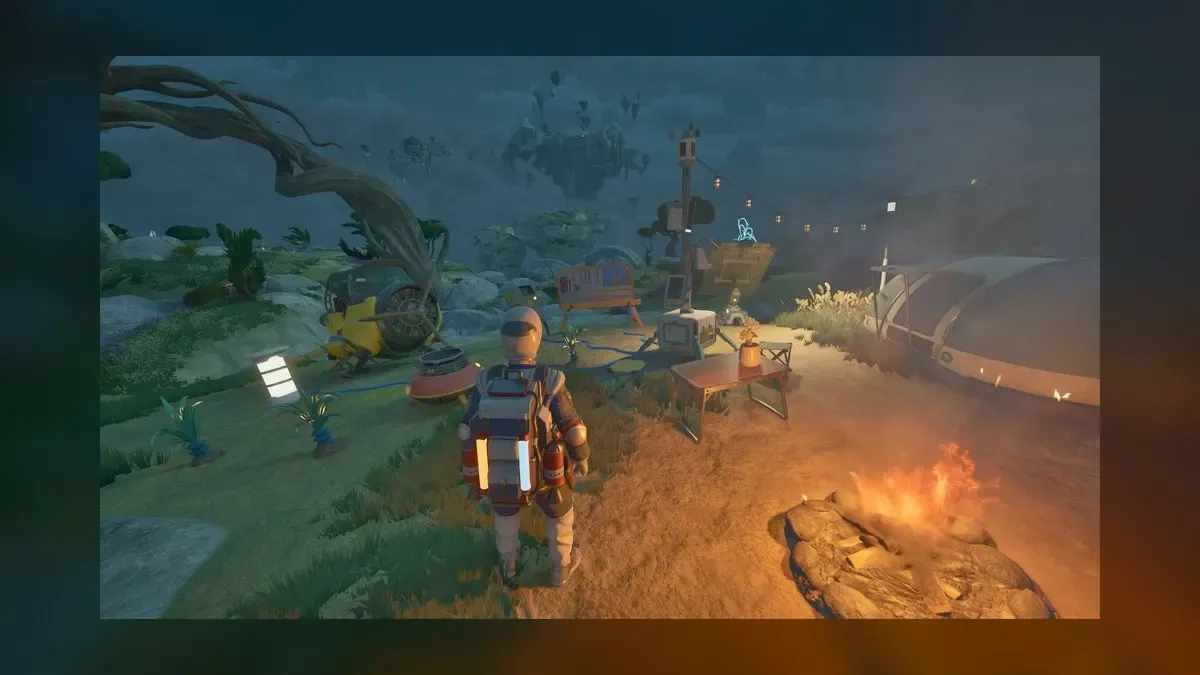
The experimental branch is Apog Labs' public test channel. It gets fixes and features daily, before they reach the default branch. You can load your normal save, but the developers explicitly ask you to save new progress in a new slot. If you want a stable run, stay on the default branch.
ATMOSFAR launched into Early Access on October 29, 2026, and shipped hotfixes almost every day of its first weekend. On November 2 the studio opened something more aggressive than another hotfix: an experimental Steam branch that lets players test work-in-progress builds. This guide covers the official rules, the risk, and what is actually in the current 1.0-10 preview.
What the experimental branch is
Apog Labs describes it as a place to "add new, or update already existing features, on a daily basis" so players can test them before they are merged into the default branch. In other words, it is not a beta for the full game. It is a rolling preview of the next patch.
The studio is direct about the trade-off. Experimental builds may be more unstable than the default branch, or occasionally more stable, depending on what is being worked on. Features may not have had enough soak time and can be regressed for further development.
Official source: Introducing the Experimental Branch
How to opt in
The branch is delivered through Steam's normal beta mechanism:
- Open your Steam Library and right-click ATMOSFAR.
- Choose Properties.
- Open the Betas tab.
- Select the experimental branch from the dropdown.
- Let Steam download the build, then launch the game.
The exact label in the dropdown can change between builds, and Apog Labs has not published a permanent branch name. If you do not see an experimental option, the branch may be temporarily closed while a build is being replaced. Do not hunt for a third-party launcher or a separate download; the branch lives inside the retail Steam app.
The save warning is the important part
This is the one rule you should not skip. Apog Labs says you can load saves from the default branch on the experimental branch, but you should save any progress you make on the experimental branch into a new save slot to avoid potential file corruption.
A safe routine:
| Step | Action | Reason |
|---|---|---|
| Before opting in | Back up your main save folder | Cheap insurance against a bad build |
| On the branch | Load your normal save | The developers say default saves are loadable |
| While playing | Save into a new slot | Keeps experimental progress away from the main run |
| Before opting out | Note which slot is experimental | Avoid overwriting the wrong save later |
Do not assume that a save created on the experimental branch will load cleanly on the default branch. The official warning is about corruption risk, and the conservative reading is that experimental saves are one-way until the build is merged.
What is in the 1.0-10 preview
The first experimental build previewed a large quality-of-life update. The official summary groups it into six areas:
| Area | Highlights |
|---|---|
| Controls and UI | FOV slider, correct FPS display when V-Sync is toggled, subtitle prompts show rebound keys |
| Key rebinding | Build and construction controls fully rebindable, including AZERTY support |
| Cloud Cruiser and Wasp | Crafting from camp and Cruiser inventories in multiplayer, periscope UI lockup fix, autopilot throttle fix, seat lock fix, cargo lift exploit fix |
| Inventory and camp | Stack, split and sort in storage containers with their own keybinds, duplication exploit patched, research modules protected from accidental demolition |
| World and collision | About 15 specific stuck spots fixed, including crevices, rock seams, tree roots, a crouch-blocked cave and an infinite falling loop |
| Visuals | Harvested plants stop glowing, floating foliage and lights removed, cables hang more naturally |
Two smaller details are easy to miss. Deconstruction, renamed from "Demolish", now gives pickup feedback and warns before you remove vital structures. And the reactor core quest item now has a waypoint and a recovery path if it is lost, which addresses one of the worst soft-lock reports from launch week.
The Wasp also gets dirty over long flights and is washed clean by rain or waterfalls. That is cosmetic, but it shows how much of this branch is polish rather than new content.
Should you use it?
Use the experimental branch if:
- You have already finished the main story beats and want to test fixes.
- You are comfortable losing a run to a regression.
- You want to check whether a specific bug you reported is fixed.
- You play on a secondary save and can switch back without losing progress.
Stay on the default branch if:
- This is your first playthrough.
- You are streaming or recording a guide.
- You play co-op with friends who are on stable.
- You have limited play time and cannot afford a broken session.
Co-op is a real consideration. The branch changes inventory and crafting behavior, and mixing clients across branches is not a supported configuration the developers have described. Agree on a branch with your group before you launch.
How to switch back
Return to Properties > Betas and select None in the dropdown. Steam will download the default build. Before you do, make sure your main save is not the experimental one, and keep the experimental slot separate until you have confirmed the stable build loads correctly.
If the game fails to launch after switching, verify the installed files through Steam and check the ATMOSFAR patch notes for the current stable build number. The stable branch was on 1.0-9 when the experimental branch opened.
Reporting a bug
Apog Labs points players to the in-game bug reporting tool, Discord and Steam discussions. A useful report includes the build number, the exact location, what you were doing and whether the save came from the default or experimental branch. The studio reads the reports; several 1.0-5 to 1.0-9 fixes are traceable to specific player-reported soft locks.
What is not confirmed
There is no official statement that experimental progress carries into the stable branch, no published schedule for when 1.0-10 leaves experimental, and no confirmed achievement behavior on the branch. Treat all three as unknown until Apog Labs says otherwise.
Sources and verification
- Introducing the Experimental Branch - official branch description, save warning, stability warning and 1.0-10 preview.
- ATMOSFAR on Steam - store page and Early Access status.
- ATMOSFAR official site - official game information.
- ATMOSFAR patch notes - stable hotfix timeline through 1.0-9.
FAQ
Is the ATMOSFAR experimental branch safe for my save?
You can load a default-branch save, but Apog Labs explicitly asks you to save experimental progress into a new slot to avoid corruption. Back up the save folder before you opt in.
How do I join the experimental branch?
Right-click ATMOSFAR in Steam, open Properties, go to the Betas tab and select the experimental branch. The label can change between builds.
Does experimental progress transfer to the stable game?
Apog Labs has not confirmed that experimental saves carry over. The official warning only says default saves can be loaded on the experimental branch, not the reverse.
What is in ATMOSFAR 1.0-10?
The preview includes an FOV slider, full key rebinding with AZERTY support, inventory sorting in containers, a duplication exploit fix, about 15 collision fixes, Cloud Cruiser and Wasp fixes, and protection for active research modules.
More ATMOSFAR Guides
How ATMOSFAR multiplayer works: four-player online co-op, crew roles, sharing the Cloud Cruiser, keeping camp running and mistakes that sink runs.
Is ATMOSFAR coming to PS5 or Xbox? The current console status, why Early Access is PC-only, what a port needs and where official news appears.
How cooking and food fit into ATMOSFAR's survival loop: where organic ingredients come from, how to stock a camp, and what is confirmed.
How crafting works in ATMOSFAR: crafting table, research desk unlocks, blueprint sources, material processing and the order to build tools and ship parts.
The animals, plantimals and machines that end ATMOSFAR runs: Screechers, Blisterbacks, Traproots, PACE drones and AA turrets, with counters for each.
ATMOSFAR has no crossplay in 2026: it is a PC-only Steam release. What that means for four-player co-op, consoles and a future crossplay patch.
The Atmosfar demo was delisted months before launch. What it covered, why it is gone, and a walkthrough of the same opening beats in the Early Access build.
The ATMOSFAR Early Access roadmap: Vagabond, Rime, Blue Side and Singularity updates, the Scout Wasp, the third region and the 20 November dev blog.